
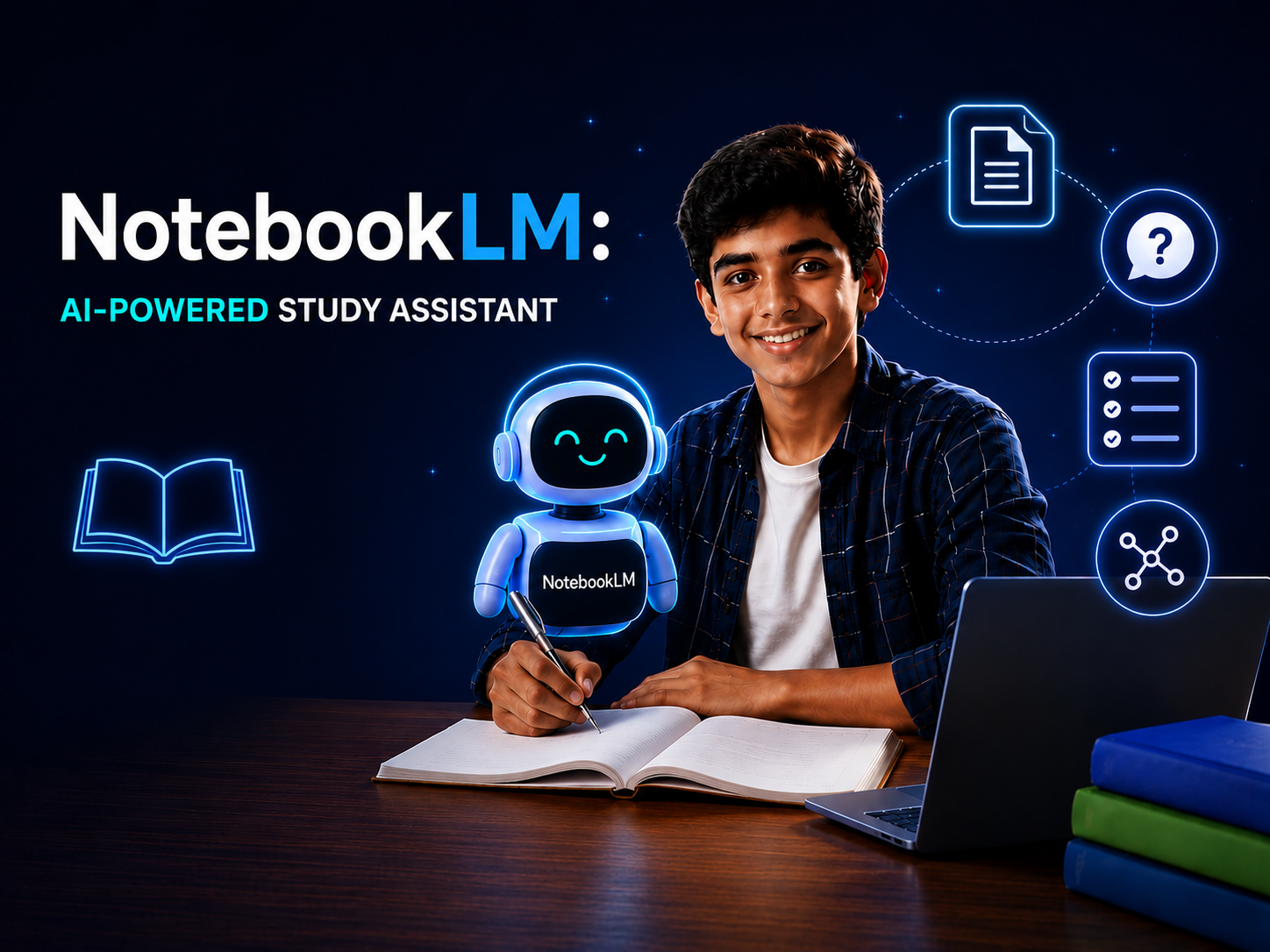
NotebookLM for students offers a source-grounded way to organise study material, ask questions and review important ideas with AI.
Students often spend more time searching through notes than actually understanding them. NotebookLM offers a more focused way to work with study material: you add the sources you trust, then use AI to explore, summarise and review that information.
Unlike a general chatbot, NotebookLM is designed to answer questions using the sources in your notebook. That makes it useful for a course, research project or exam topic where context and traceability matter.
What is NotebookLM?
NotebookLM is Google’s AI-assisted research and learning tool. According to the official NotebookLM help guide, supported sources include Google Docs, Slides and Sheets, PDFs, Word documents, text and Markdown files, CSVs, PowerPoint files, audio, web URLs, ePub files and public YouTube transcripts. Availability can vary by account, device and region.
Practical ways students can use NotebookLM
1. Ask questions across your notes
Add lecture notes, assigned readings and your own summaries to one notebook. Then ask focused questions such as, “What are the three main arguments in these sources?” or “Where do the authors disagree?” Check the cited passages before using an answer.
2. Turn dense material into a review plan
Ask for a topic outline, key terms and questions you should be able to answer. Use the result as a checklist, not a substitute for reading. This helps identify weak areas early enough to revisit them.
3. Compare sources
For essays and projects, ask NotebookLM to compare claims, methods or evidence across uploaded material. A useful prompt is: “Create a comparison table showing each source’s main claim, evidence and limitations.” Verify every point against the original.
4. Build active-recall questions
Reading a summary can feel productive without testing memory. Ask for short-answer questions or a quiz based only on your material, answer without looking, then review the relevant passages. The official mobile guide also describes features such as flashcards, quizzes and Audio Overviews.
A simple study workflow
- Create one notebook for a single module or project.
- Add only relevant, reliable sources.
- Ask for a map of the main topics and relationships.
- Study the original material, using citations to navigate quickly.
- Generate practice questions and answer them independently.
- Review mistakes and repeat the process for weak topics.
Use AI responsibly
AI can misread a source or oversimplify an argument. Do not submit generated text as your own, and follow your school or university’s academic-integrity policy. Avoid uploading confidential, copyrighted or personal material unless you have permission and understand the platform’s data settings.
For better results, write specific prompts that name the task, format and evidence required. Abilix’s prompt library offers practical examples, while our AI training programmes help learners build confident, responsible habits.
Study smarter, not passively
NotebookLM is most valuable when it helps you ask better questions, revisit primary material and practise retrieval. Treat it as a study partner that organises your sources—not as a replacement for your own analysis.
Want a guided introduction to practical AI tools for education and work? Contact Abilix AI & Digital Solutions.
A practical NotebookLM study workflow
Google renamed NotebookLM to Gemini Notebook in July 2026, while keeping existing notebooks available. The official Gemini Notebook site describes it as a research and thinking partner that works with the sources you provide. The familiar NotebookLM name is still useful when students search for guidance, but the interface may now show the new name.
- Choose a focused topic and upload only relevant, permitted study material.
- Ask for a source-grounded overview before requesting detailed explanations.
- Create questions that test recall, comparison and application—not only definitions.
- Check every important claim against the cited source passage.
- Write your own final notes and practise answering without the tool.
Common mistakes to avoid
Do not upload a large collection of unrelated files, accept a summary without opening its citation, or use generated answers as a substitute for independent work. NotebookLM for students is most effective when it supports active reading, retrieval practice and source checking.
For guided practice with AI study tools, explore Abilix’s AI training programmes.